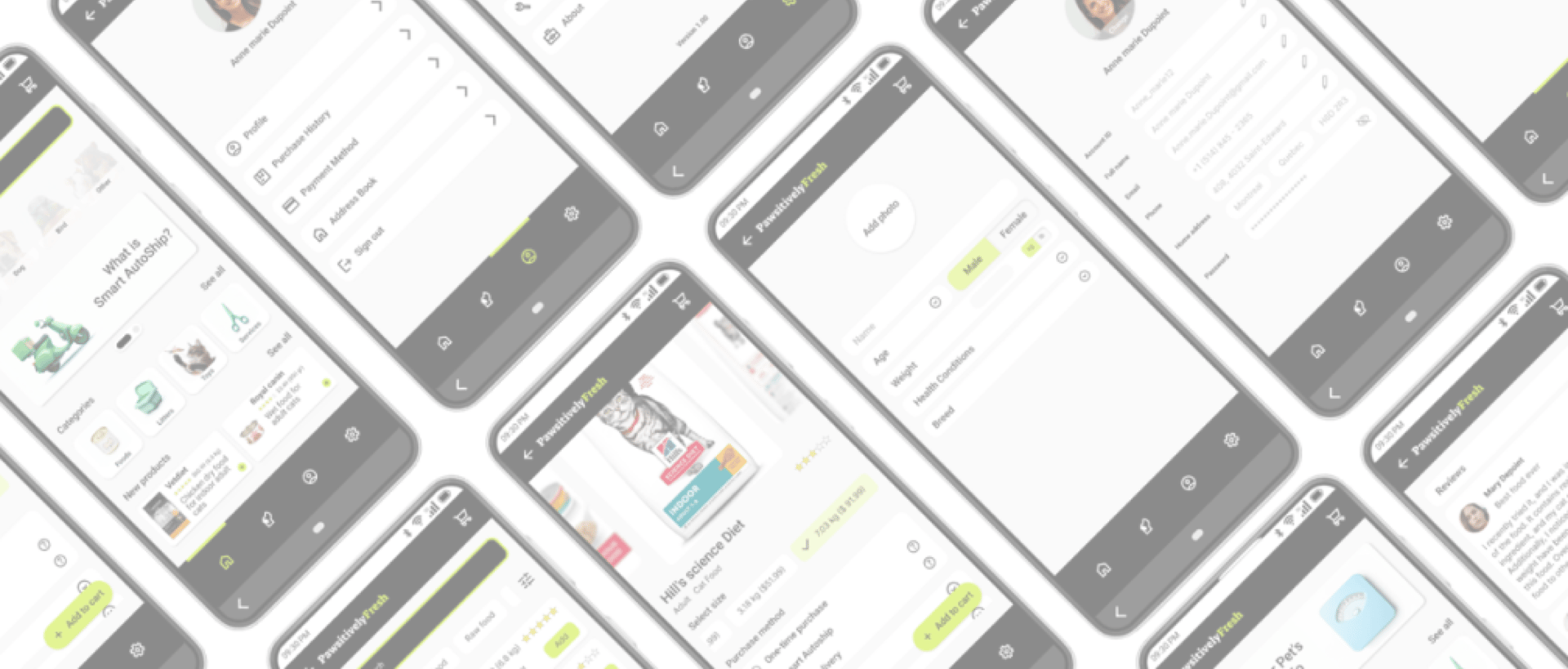


Completed (done as part of the Google UX Design Professional Certificate).
State
Goal
Improve personalization in pet food auto-delivery services.
Target Users
Busy, health-conscious pet owners
My Role
UX designer and researcher
Activities
Interview, empathy map, usability test, prototyping
Platform
Mobile (Android)
Tools
Figma, Miro, Zoom







Industry
Petcare / Subscription services

Context & Problem Space
A pet food subscription app that personalizes delivery schedules and portion sizes based on each pet’s unique needs.
What is PawsitivelyFresh?
New and experienced pet owners alike often face uncertainty around how much and how often to buy pet food and feed their pets, especially when considering factors like age, weight, breed, and specific health conditions. The key pain points identified are outlined below; the following section explains the research process that led to these findings.
What is the problem space?

Personalized Feeding Guidance

Multi-Pet Management

Reordering & Inventory Tracking
Research & Discovery
To design a more personalized and reliable pet food subscription experience, I began by finding real user needs through interviews with five pet owners. I explored how they currently feed their pets, the challenges they face with portion control, scheduling, and personalization, and what makes them feel confident in a service. I then translated these insights into empathy maps, personas, and a user journey map, laying a strong foundation for user-centered design decisions.
After conducting five user interviews, I synthesized the qualitative data using an affinity mapping approach. This method helped me surface recurring patterns, motivations, pain points, and behavioral nuances across diverse pet owners. By clustering related observations, I was able to identify key themes that informed the product direction and the formation of personas.
Below is the resulting affinity map, which captures the voices and behaviors of our target users and lays the groundwork for design decisions moving forward.
1- Affinity mapping
2- Empathy map
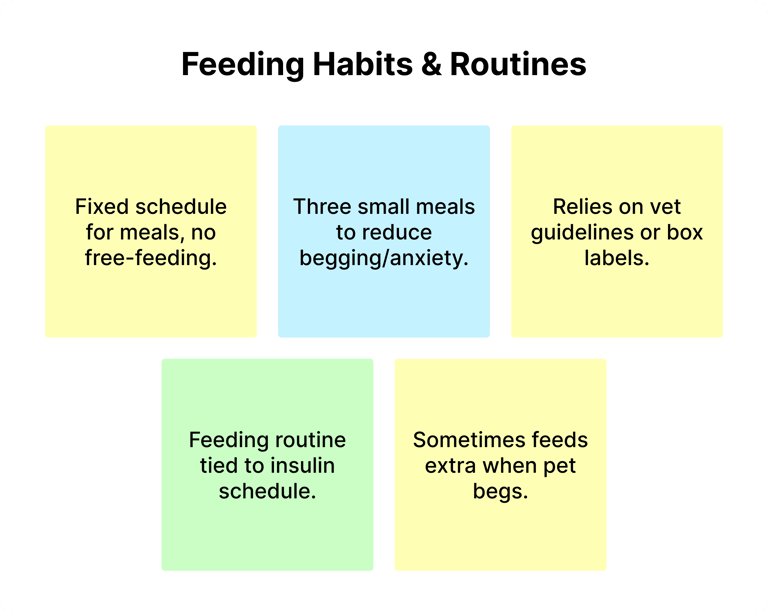
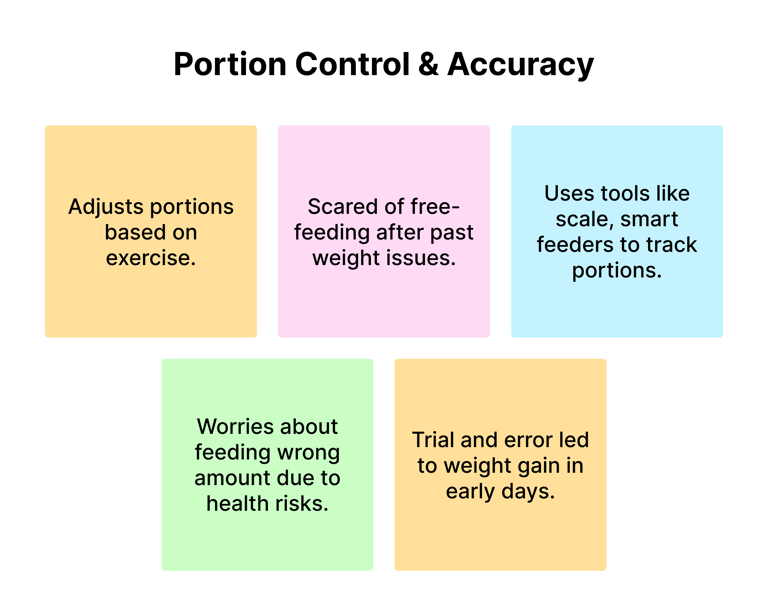
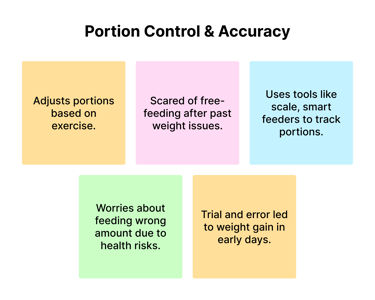
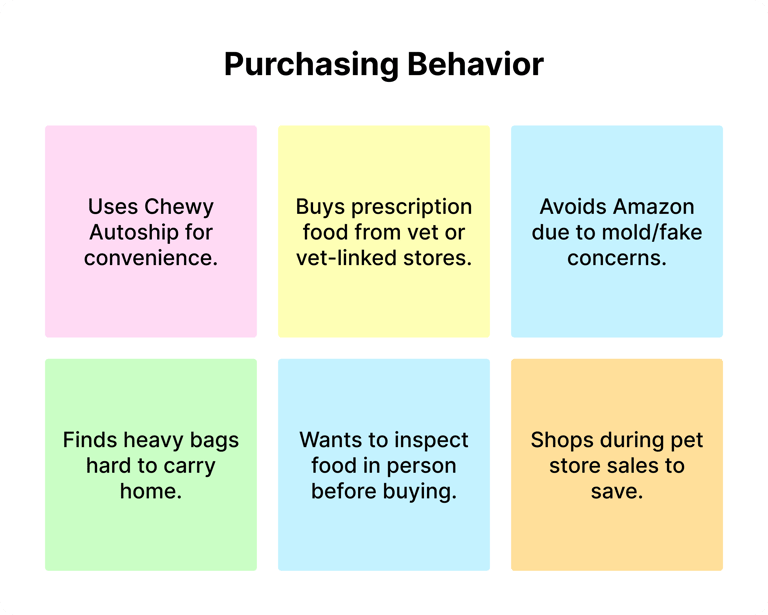
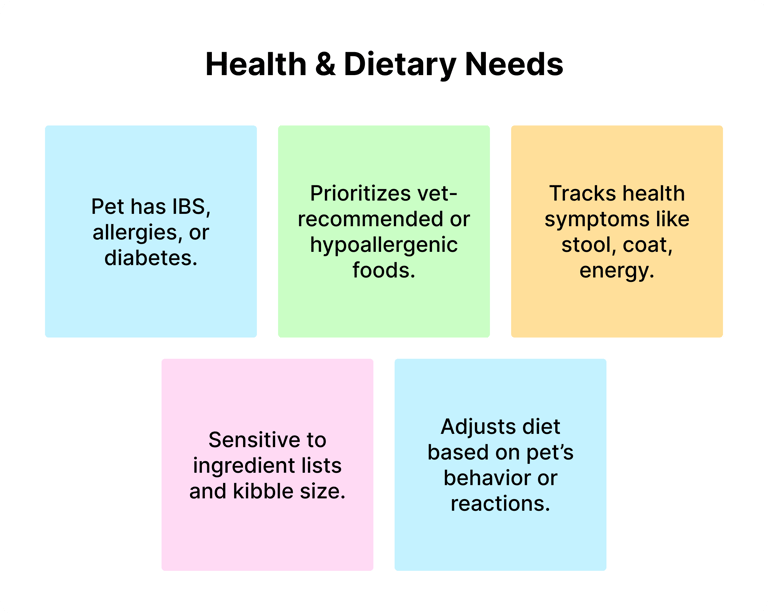
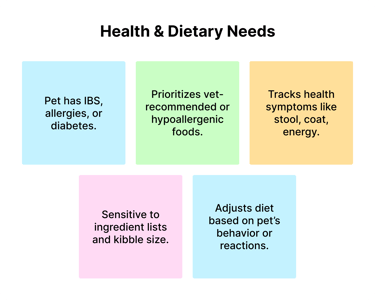
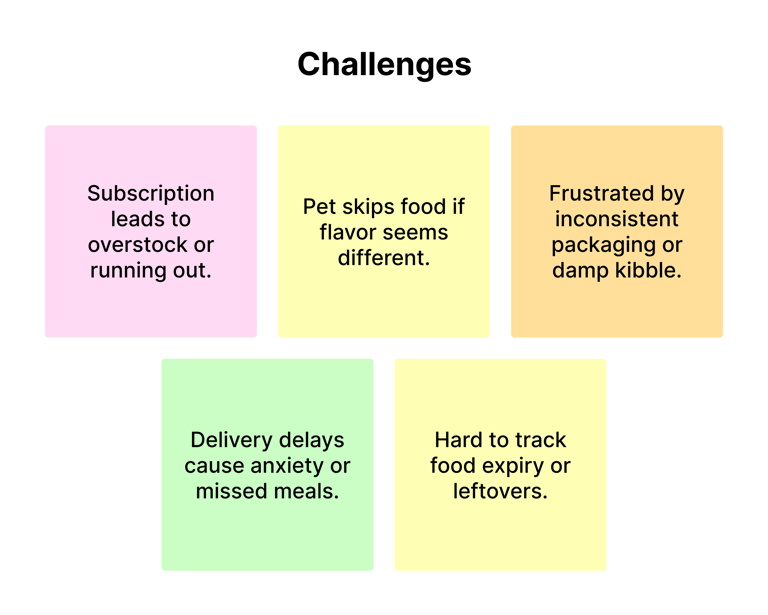
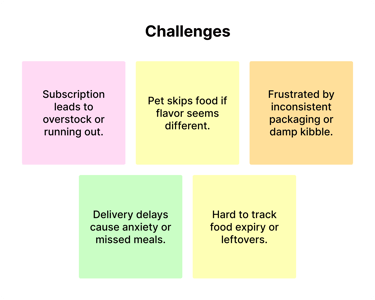
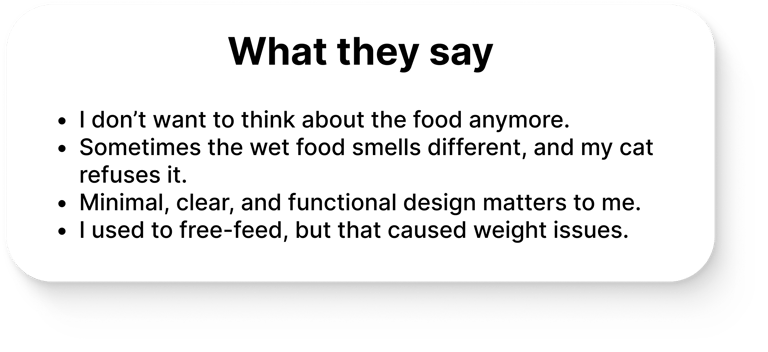
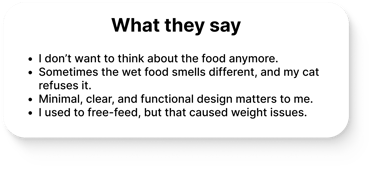
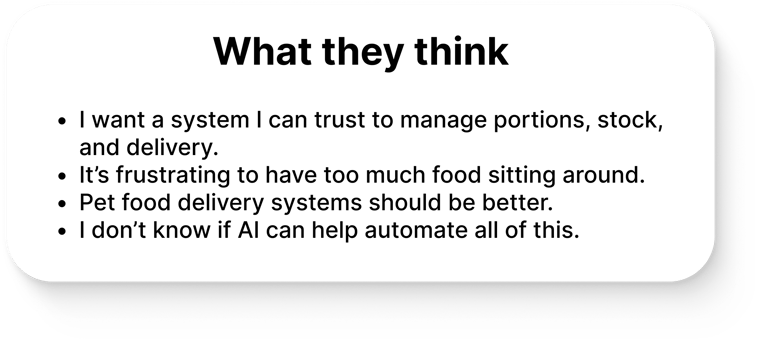
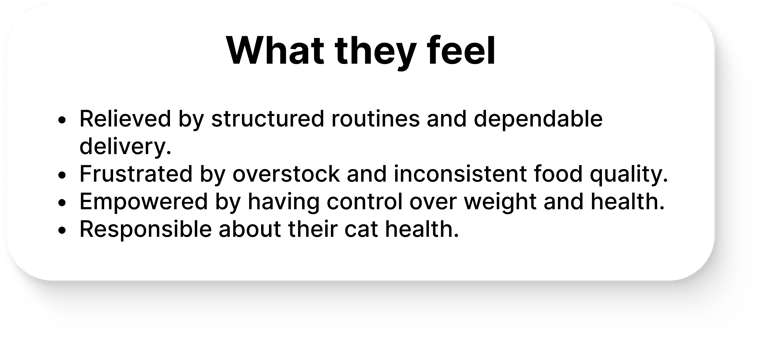
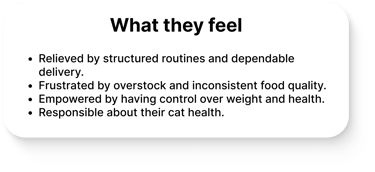
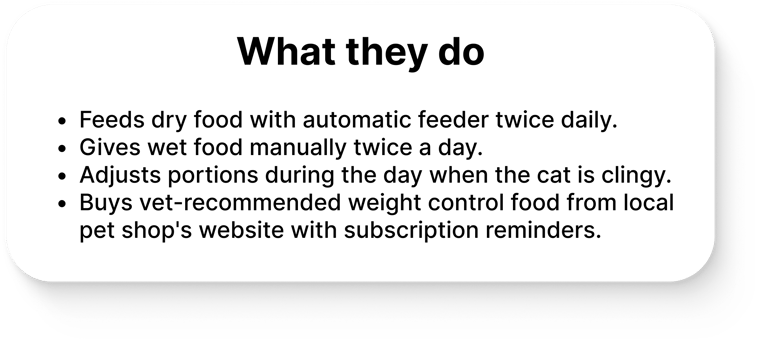
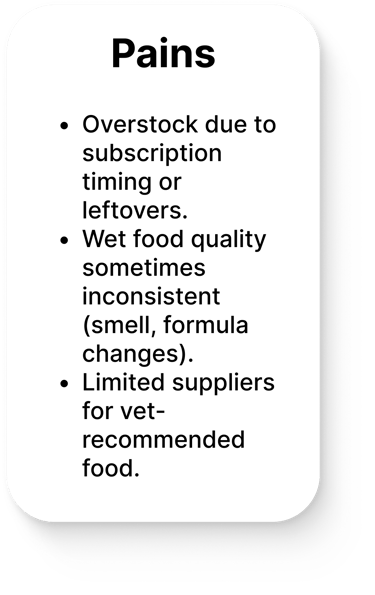
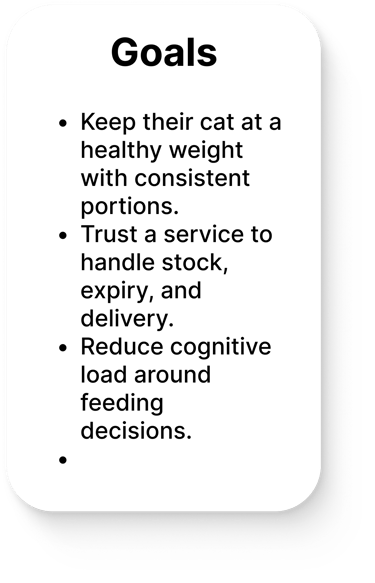
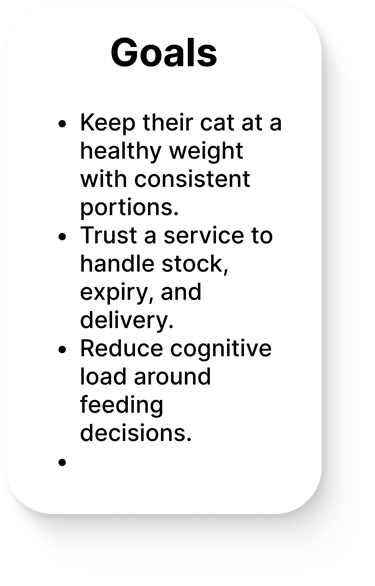
To visualize user needs, frustrations, and behaviors, and uncover insights that guide human-centered design decisions, I created empathy maps for the interviewees. I’ve shared one of them here to illustrate how these findings shaped the next stages of this project.


3- Personas
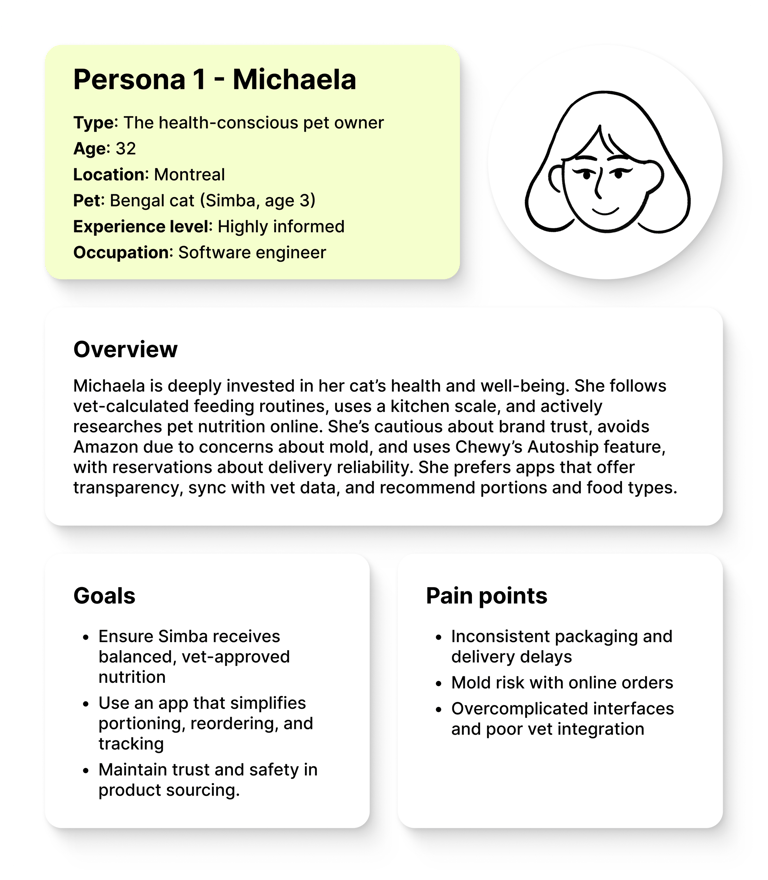
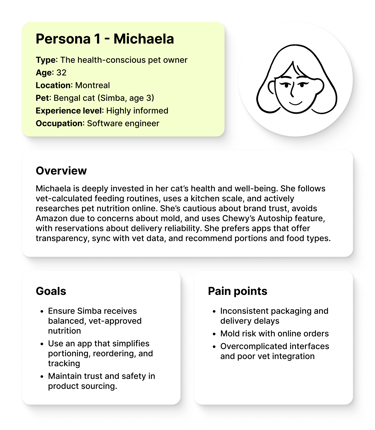
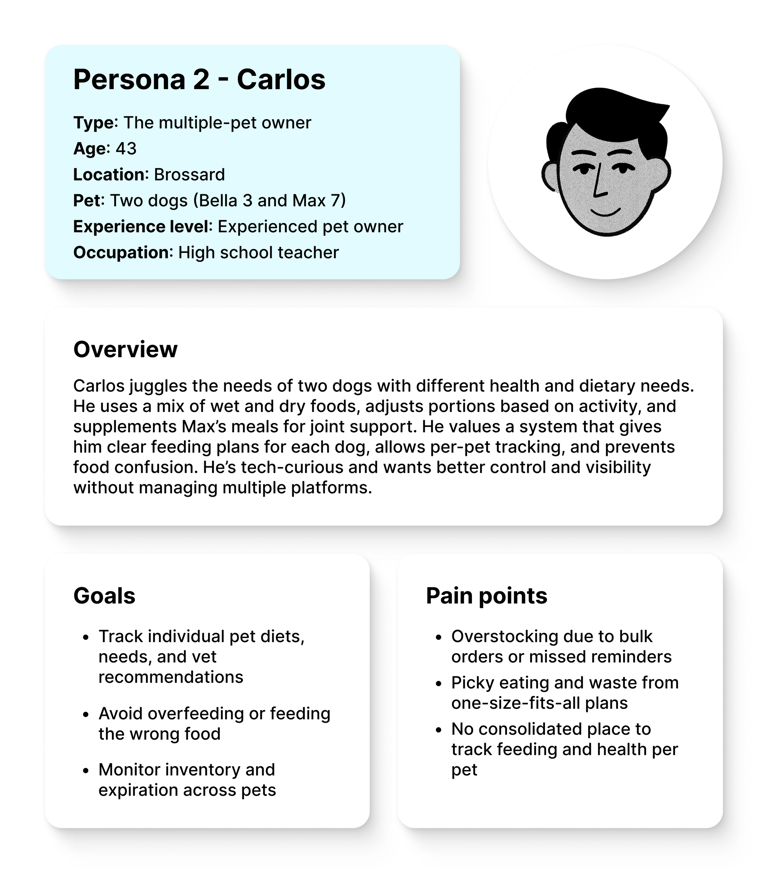
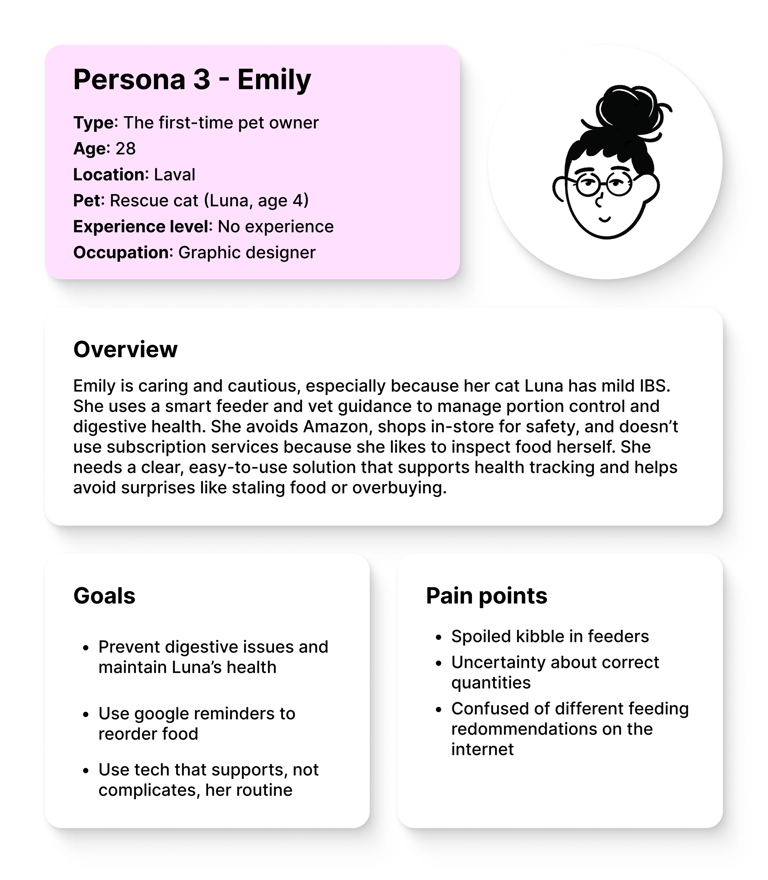
Based on insights gathered from user interviews, I identified three distinct personas that represent key behavioral patterns, motivations, and pain points. These personas helped me align design decisions with real user needs.
4- User journey map (as-is)
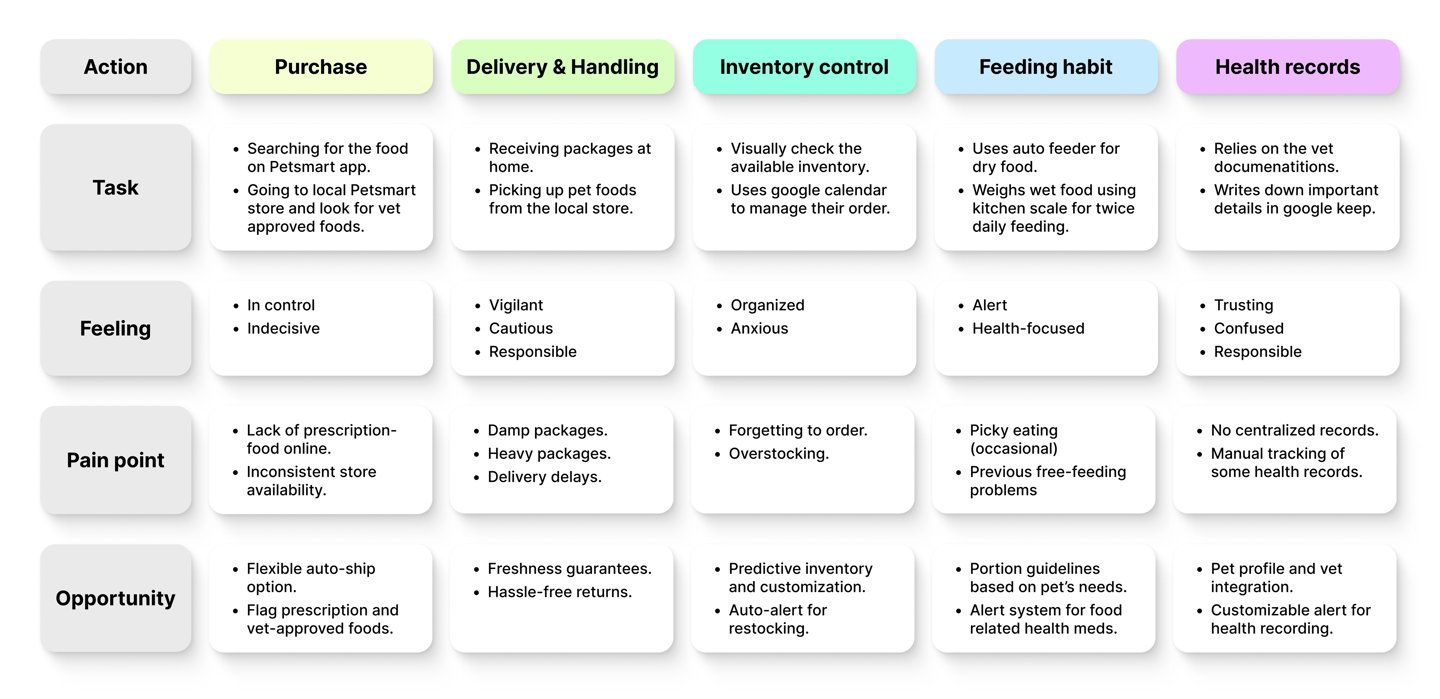
To understand how users currently manage their pet feeding routines, I created as-is journey maps based on five key actions: Purchase, Handling & Delivery, Inventory Control, Feeding Habit, and Health Records. Each user navigates these stages differently depending on their lifestyle, preferences, and pet needs. For example, a user who relies on online ordering with autoship never visits a physical store or carries heavy bags home, while another may prefer in-store purchases to ensure quality and availability.
Below is one of the user journey maps for a user who purchases pet food both online and in-store. I used it to illustrate how I identified pain points, emotional states, and opportunity areas that informed the next steps in the design process
Main findings:
The research and discovery phase uncovered the following insights to inform the design process:
Feeding routines vary significantly by pet type (dog vs. cat), health conditions, activity level, and owner experience. Some follow fixed meal schedules using kitchen scales or smart feeders, while others free-feed with set limits or occasional flexibility.
Health-conscious owners (e.g., diabetic dogs or cats with IBS) follow stricter routines and rely heavily on vet advice and prescription diets.
Shopping behaviors are diverse:
– Some users rely entirely on online services like Chewy or Amazon.
– Others prefer in-store purchases to verify product quality, especially when dealing with sensitive dietary needs.
– Many users use a combination of both like purchasing from PetSmart physical and online stores based on availability, convenience, or trust.
Trust and transparency are critical: Vet endorsement, verified reviews, and product safety (no mold, correct storage, and delivery) are top priorities.
Design Process, Decisions and Ideation
Through user interviews and synthesis, I uncovered a range of overlapping yet distinct needs among pet owners. These insights revealed challenges in feeding routines, reordering logistics, inventory control, and health tracking. To address these pain points and guide the design process, I defined four core design goals focused on personalization, simplicity, transparency, and support for multi-pet households.
Following this, I translated these goals into five problem statements, each framing a specific challenge that the product needs to solve to deliver meaningful value to users. These statements served as the foundation for ideation and feature design.
1. Personalized Feeding Guidance
Pet owners, especially those with unique health and breed-specific needs, require a way to accurately determine and deliver the right portions because inconsistent guidance from packaging or generic apps makes it difficult to align with vet recommendations.
2. Reordering & Inventory Tracking
When managing food supplies, busy pet owners want to stay ahead of reorders and avoid waste so they can reduce cognitive load and ensure their pets are never left without food.
3. Multi-Pet Management
Owners of multiple pets with varying dietary and medical needs need a way to track feeding, food stock, and health info for each pet independently because juggling everything in their head or on paper often leads to mistakes and stress.
4. Trust & Transparency

Pet owners want to feel confident in the food they buy because unclear sourcing, inconsistent quality, or a lack of vet-approved options erodes trust and risks their pet’s well-being.

5. Health Data Management
Pet parents managing chronic conditions or special diets need a way to store, update, and reference their pet’s health data easily so they can make informed feeding decisions and support vet visits without friction.
Since I was the sole designer on this conceptual project, I used the “How Might We” (HMW) method to generate as many ideas as possible based on user pain points and design goals uncovered during research. You can see the rough ideas below—some of which will be used to define key user tasks.
Brainstorming
Problem statement
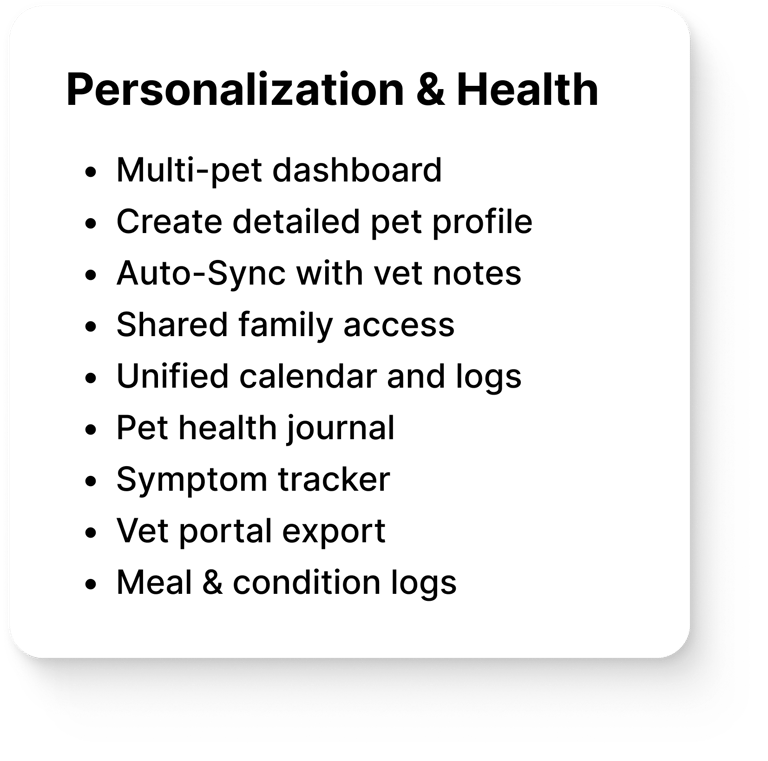
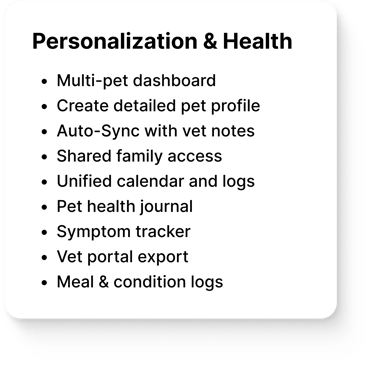
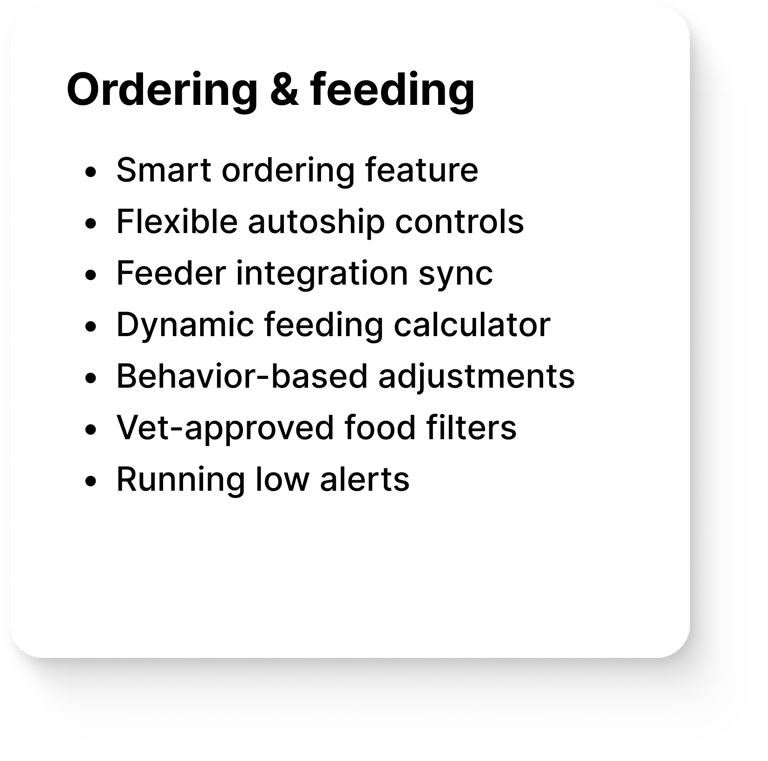
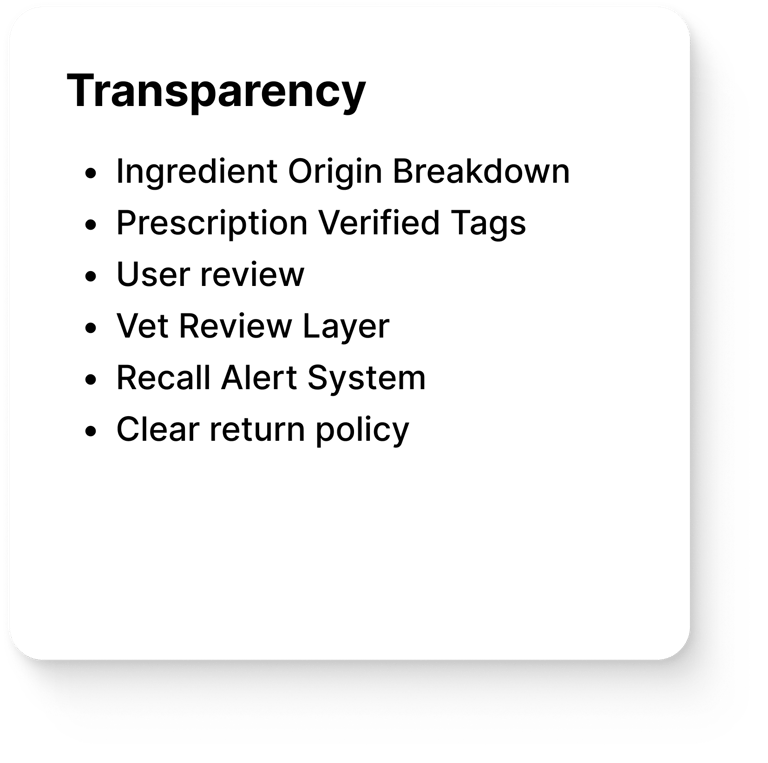
Based on user pain points and the ideas generated through the HMW method, I identified 5 key tasks for the app:
2- Feeding plan & inventory management
1- Manage pet profile & health
3- Shop & order pet food
4- Manage account info
5- Access support & Help
Iteration & Feedback
Throughout the design process, I regularly shared updates and prototypes with the project lead and received indirect feedback from other educators involved. Based on these sessions, I made key adjustments to:
Improve visual hierarchy.
Add clearer instructional elements.
The original blue palette was replaced with warm tones (purple, orange, soft pink) to create a more inviting, playful, and educational feel—moving away from a cold, corporate look.
I also asked a fellow UX designer to review the design — and their feedback confirmed that the revised platform felt more intuitive, organized, and classroom-ready.
Final Design
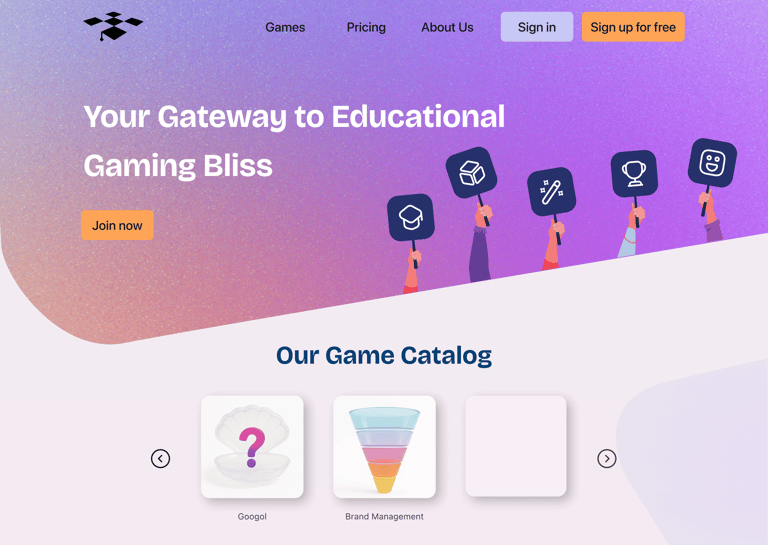
Landing page
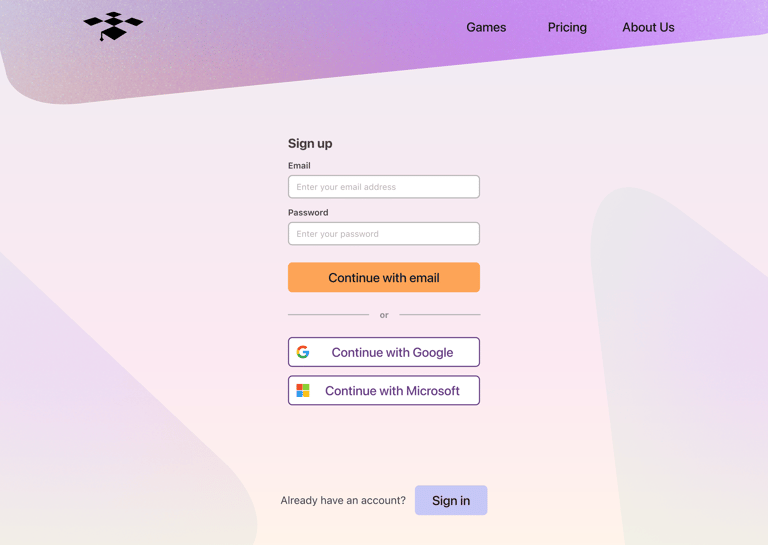
Sign-up page
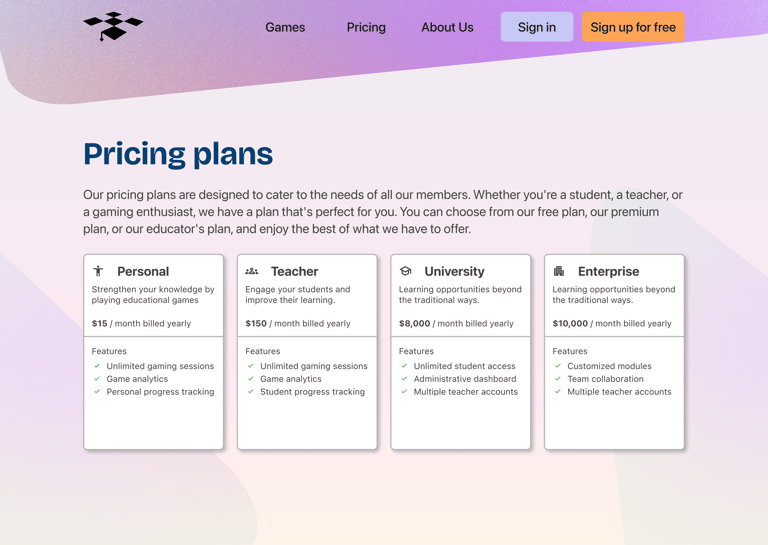
Pricing plans page
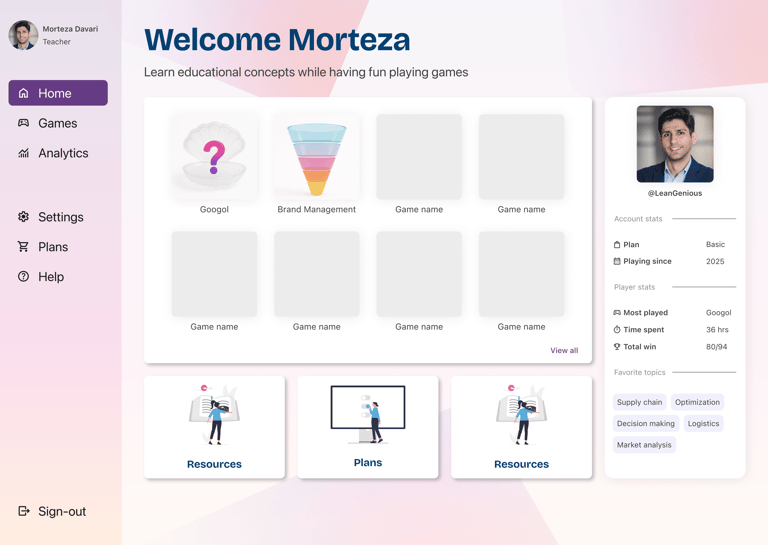
Home page
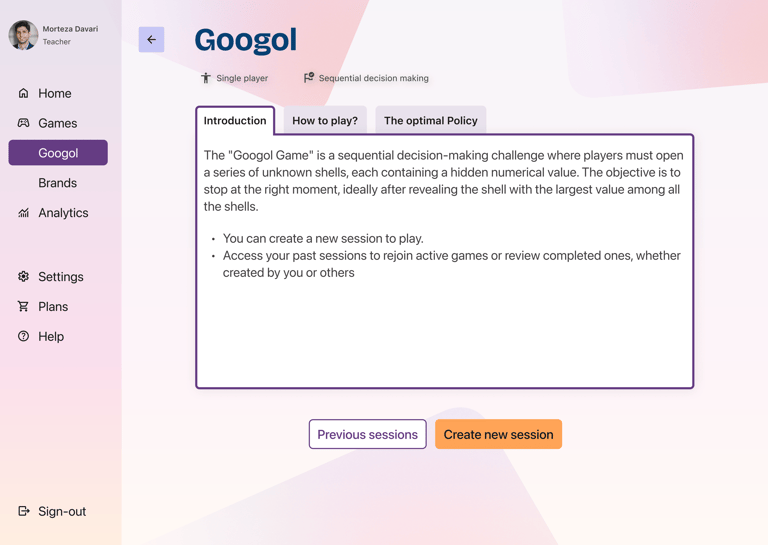
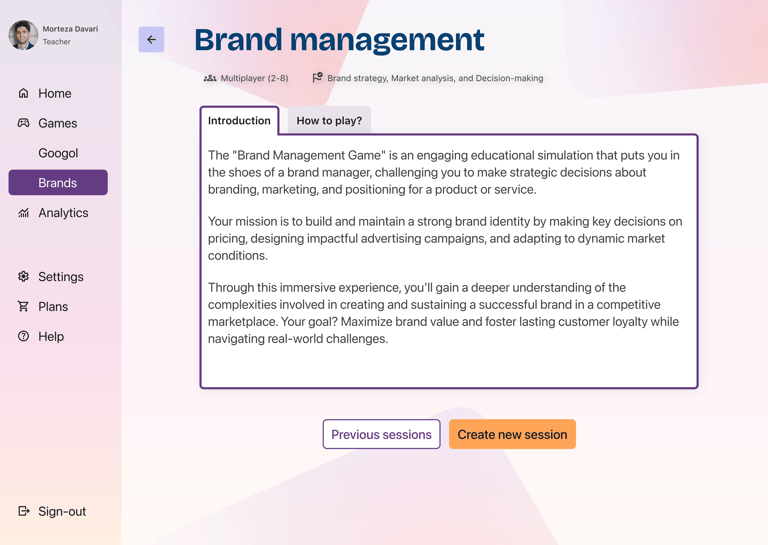
1st game home page
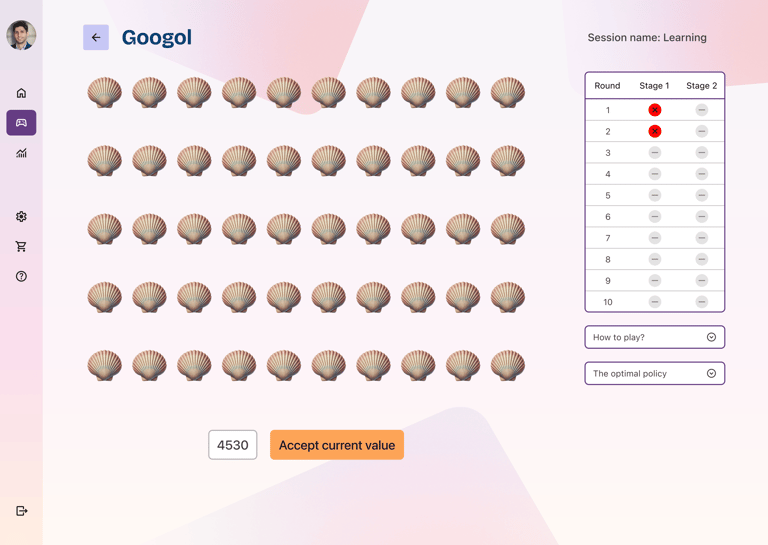
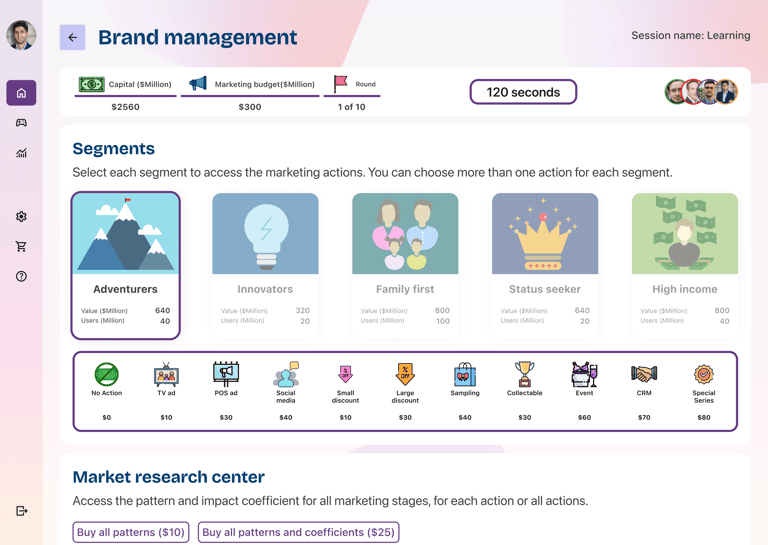
1st game play page
2nd game home page
2nd game play page
Outcomes & Learnings
Although the new version has not yet launched in classrooms, the redesign has already made a meaningful impact:
This project reinforced how much value a clear design system and scalable structure bring — not just for UX quality, but also for team momentum and developer alignment.

Educators felt the redesign was significantly clearer, more engaging, and more “professional”.
Stakeholder Feedback
Team Confidence
Boosted confidence in the platform’s potential to generate revenue through academic subscriptions and future B2B sales to universities and companies.
Peer Validation
UX peer review validated improvements in visual clarity, interaction design, and overall task flow efficiency.

Personal Growth
Strengthened my skills in building scalable design systems, applying tokenization best practices, and preparing dev-friendly handoffs for smoother implementation.